
How to Set Up KY IPTV on Firestick in Under 5 Minutes (2026 Canadian Guide)
A complete, step-by-step walkthrough covering the 7-click Developer Options unhide method on Fire OS 7 & 8, Downloader sideloading via shortcode 9501936, TiviMate player configuration, and Canadian ISP buffering solutions.
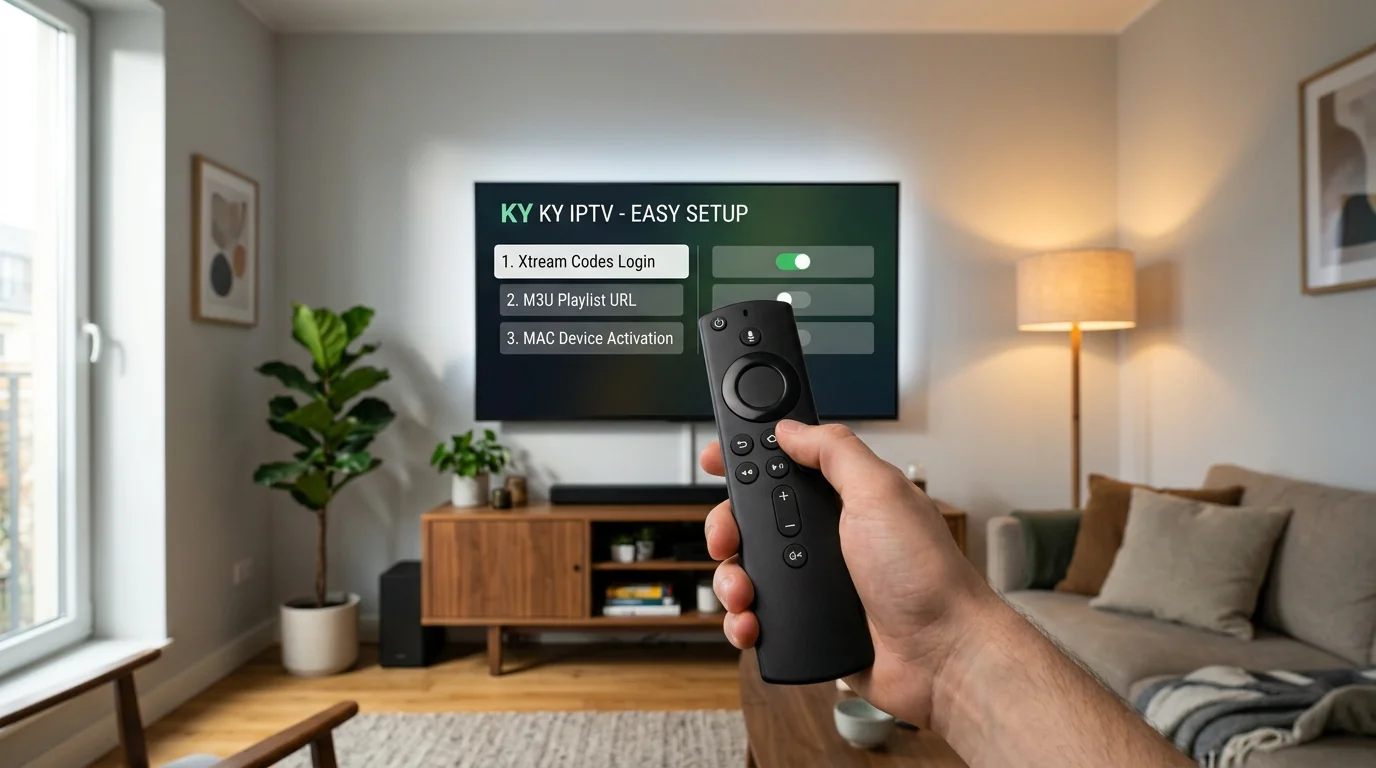
Streaming live television, premium sports, and on-demand movies on your Amazon Firestick in Canada has never been faster. Using open-standard media players like TiviMate and IPTV Smarters Pro, you can enjoy fluid 60 FPS live broadcast streams with zero cable contracts, zero lock-ins, and hardware-accelerated playback.
► 1. Prerequisites & Equipment
Before starting the 5-minute setup process, confirm you have the following items ready:
- Amazon Fire TV Device: Fire TV Stick Lite, Firestick 4K, 4K Max, or Fire TV Cube running Fire OS 7 or 8.
- Stable Broadband Internet: Minimum 15 Mbps for standard HD; 25+ Mbps for 60fps Full HD & 4K sports.
- Active KY IPTV Credentials: Your Server Portal URL, Username, and Password received upon ordering on our Subscription Plans page (or via your free 24-hour test pass).
► 2. Unhiding Developer Options on Fire OS 7 & 8
Recent Amazon Fire OS software updates hide the "Developer Options" menu by default. To unlock sideloading permissions:
- Go to Settings (Gear Icon) on your Firestick home screen.
- Select My Fire TV → About.
- Highlight the first option showing your device name (e.g. Fire TV Stick 4K Max) and click the center Select button 7 times rapidly.
- A message will appear at the bottom saying: "No need, you are already a developer."
- Press the Back button once; you will now see Developer Options listed under My Fire TV.
► 3. Installing Downloader & Entering Shortcode 9501936
The Downloader application (available for free in the official Amazon Appstore) is the safest and fastest utility for installing top-rated media players:
- On your Firestick home screen, go to Find → Search.
- Type "Downloader", select the orange Downloader app icon, and click Download / Get.
- Open Downloader, allow storage permissions, and click the URL input bar on the Home tab.
Once you press Go, Downloader will redirect to our verified APK download repository. Choose your preferred media player (TiviMate or IPTV Smarters Pro) and select Install.
► 4. Choosing Your Media Player (TiviMate vs. Smarters)
Both players are fully compatible with KY IPTV broadcast clusters. Here is how they compare:
TiviMate IPTV Player
The gold standard in television user interfaces. Features seamless cable-box TV guide navigation, instant channel zapping, multi-view quad screen, and 7-day TV archive catchup.
Best for: Living room 4K TV viewingIPTV Smarters Pro
Intuitive layout with separate tiles for Live TV, Movies, and TV Series. Built-in parental controls, master search, and external player support (VLC, ExoPlayer).
Best for: Easy VOD & series binge-watching► 5. Authenticating Your Xtream Codes API Login
Once your player is installed, launch it to connect your server playlist. We recommend using Xtream Codes API rather than long M3U URLs because it synchronizes faster and updates EPG guide data automatically:
- Select Add Playlist → Choose Xtream Codes API.
- Enter any playlist name (e.g. "KY IPTV Canada").
- Input your Server Portal URL (including the port number, e.g.
:8080). - Type your Username and Password with exact letter casing.
- Click Include VOD / Series and select Next / Add Playlist.
If you encounter an "Authorization Failed" error, check our dedicated KY TV CC Login & Error 401 Manual for instant troubleshooting tips.
► 6. Canadian ISP DNS Optimization & Eliminating Buffering
During major weekend sports broadcasts (NHL Saturday nights, NFL Sundays, UFC PPV), major Canadian internet service providers (Bell, Rogers, Telus, Shaw, Videotron) can throttle standard streaming ports or delay DNS resolution.
The single most effective fix is to configure your Firestick to use secure third-party DNS instead of your ISP default:
1.1.1.1 (Cloudflare Ultra-Fast DNS)8.8.8.8 (Google Public DNS)For full step-by-step instructions on setting a static IP and custom DNS on your Firestick, consult our Canadian ISP & DNS Optimization Guide.
Frequently Asked Questions
Is a VPN required for streaming KY IPTV on Firestick in Canada?
Can I use my Firestick subscription on multiple TVs?
How do I request a free 24-hour test pass before purchasing?
Our broadcast engineering team specializes in low-latency CDN streaming protocols, hardware video acceleration, and Canadian telecom infrastructure optimization.
Related Technical Guides & Tutorials
TiviMate IPTV Player Configuration Guide
Step-by-step tutorial on setting up 7-day EPG grids, custom channel groups, and quad-screen multi-view.
Canadian ISP Throttling & DNS Guide
How to configure Cloudflare 1.1.1.1 DNS on Bell, Rogers, and Telus routers to eliminate live sports buffering.
KY TV CC Login & Error Code Resolution
Troubleshoot Error 401, 403, and 404 status codes and manage your Xtream Codes API credentials.
Ready to Stream 4K Live TV on Your Firestick?
Choose from flexible 1, 3, 12, or 24-month prepaid passes with 1 to 5 concurrent connections. Backed by our strict 48-hour money-back guarantee.