
Method 1: Direct Google Play Store
Open Google Play Store on your TV. Search for TiviMate IPTV Player or IPTV Smarters Pro and install with one click. No sideloading required.
Official releases receive automatic Play Store updates.Follow our comprehensive step-by-step guides to configure your favorite media player app on Amazon Firestick, Android TV, Apple TV, Smart TVs, and MAG boxes in just a few minutes.
Type this 7-digit code directly into the URL bar of the Downloader app, or visit kyiptv.app to directly download verified, ad-free builds of TiviMate, IPTV Smarters Pro, and XCIPTV.
Compatible with all Fire TV models (Firestick Lite, 4K, 4K Max, and Fire TV Cube). We recommend TiviMate for its modern cable-style TV guide and lightning-fast channel zapping.
From your Firestick home screen, navigate to Find > Search. Type Downloader, select the orange app icon by AFTVnews, and click Download / Get.
Amazon conceals the Developer Options menu on newer devices. Follow this simple 7-click unlock:
Launch Downloader, enter numeric code 9501936 into the URL field, and click Go. Choose TiviMate or IPTV Smarters Pro and click Install.
Open your installed player > select Add Playlist > Xtream Codes API. Enter the Server URL, Username, and Password sent to your email or WhatsApp after purchasing your pass on our subscription plans page.
Allow 30 to 60 seconds for channel categories, full 7-day TV listings, and VOD posters to cache locally. Once synchronized, you're ready to stream!
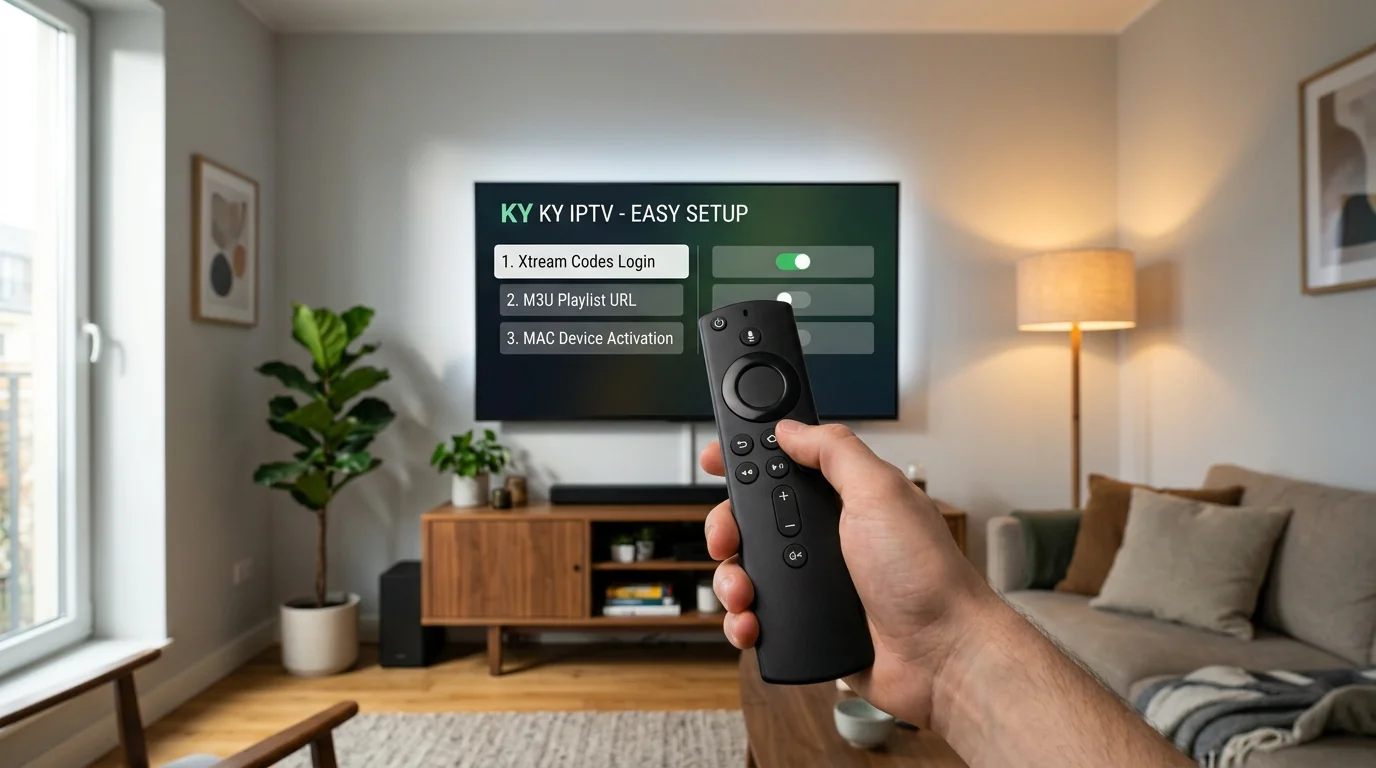
Verified compatibility across NVIDIA Shield TV Pro, Google TV Streamer, Chromecast with Google TV, and Sony/TCL/Hisense Android smart televisions.
Open Google Play Store on your TV. Search for TiviMate IPTV Player or IPTV Smarters Pro and install with one click. No sideloading required.
Official releases receive automatic Play Store updates.If using a certified streaming box without Google Play Store, install Downloader from your browser, enter code 9501936, and download APKs directly.
Includes clean APK builds verified for virus and malware safety.For unmatched 4K 60fps streaming and Dolby Vision playback, we recommend NVIDIA Shield TV Pro connected via Gigabit Ethernet. Check our hardware matrix for specs.
Supports AI upscaling and passthrough Dolby Atmos surround audio.No sideloading, TestFlight, or jailbreaking required. Official IPTV media players are readily available inside the official Apple App Store for tvOS and iOS.
Open the App Store on your Apple TV 4K, iPhone, or iPad. Search for Smarters Player Lite (free), GSE Smart IPTV, or IPTVX (premium tvOS interface).
Accept the application terms, then choose the option labeled Login with Xtream Codes API (preferred over M3U for faster EPG synchronization).
Fill in the four fields provided in your activation message:
Click Add User. The player leverages Apple's hardware-accelerated video decoding engine for stutter-free 60 FPS sports broadcasts.
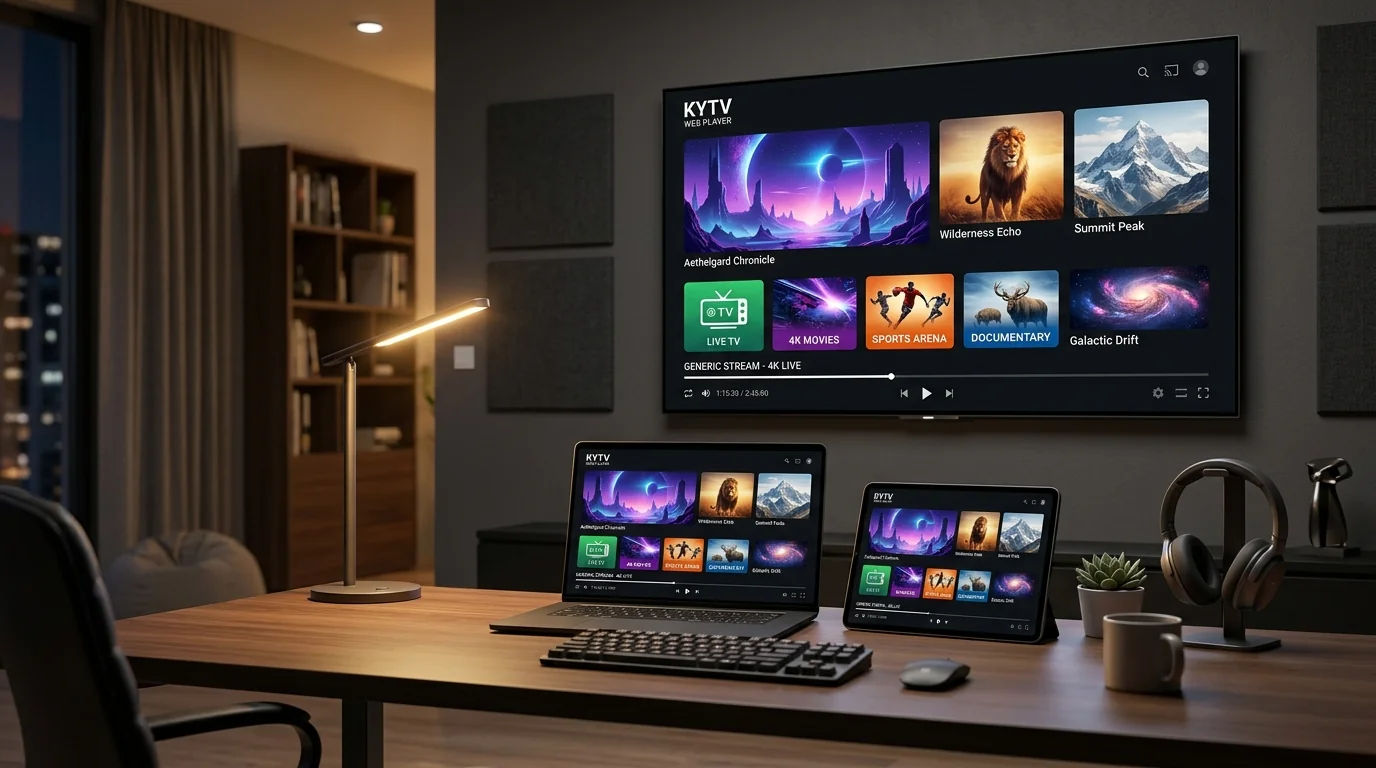
Stream directly through your television screen without connecting an external streaming stick. Modern smart TVs (2018 models or newer) run native player apps via their dedicated app stores.
On your Samsung Smart Hub or LG Content Store, search for IBO Player, Smart IPTV (SIPTV), or Nanomid Player and install.
Launch IBO Player. Take note of the Device MAC Address (e.g. a1:b2:c3:d4:e5:f6) and Device Key displayed on your television screen.
On your smartphone or computer, open the upload page (e.g. iboplayer.com/device). Enter your Device MAC and Key, paste your KY IPTV M3U Playlist URL or Xtream Codes, and click Save.
Exit and re-open IBO Player on your Samsung or LG TV. Your channels, sports feeds, and movies will appear automatically.

For purists seeking dedicated set-top box hardware with instant channel switching, hardware remote control shortcuts, and Stalker portal binding.
00:1A:79:XX:XX:XX) printed on the barcode sticker underneath your MAG unit.KY IPTV and enter the Portal 1 URL provided by our team.KY IPTV Canada.Stream directly on your desktop workstation, MacBook, or multi-monitor trading setup with full EPG navigation and multi-window viewing.
Download the official IPTV Smarters application for Windows (.exe) or macOS (.dmg). Log in with your Xtream Codes API credentials for category organization, search, and integrated multi-screen mode.
Supports picture-in-picture and quad-screen multi-view.Open VLC > click Media > Open Network Stream (or CMD+N on Mac). Paste your full KY IPTV M3U Plus URL and click Play. Use the Playlist window (CTRL+L) to search and navigate channels.
Ideal for low-resource computers and custom audio output routing.Access live channels and on-demand movies directly within Google Chrome, Safari, or Microsoft Edge without downloading any desktop software via our web player login portal or launch the cloud app at kyiptv.app →.
Instant access when away from your home living room.If you experience buffering during Sunday primetime live sports on Bell, Rogers, Telus, Shaw, or Videotron, your ISP may be throttling DNS resolution. Follow our step-by-step fix below to bypass bottlenecks without needing a VPN.
Major Canadian telecommunication providers employ automated packet inspection and DNS query rate-limiting during high-traffic broadcast windows (such as NHL Saturday Night games, Premier League matches, or NFL Sunday Ticket). When their default DNS resolver congests, your streaming player cannot resolve video segment chunks rapidly enough, resulting in 5-second stuttering or repeating loops.
Navigate to Settings > Network > Wi-Fi. Highlight your connected home Wi-Fi network.
Press the remote Menu button (3 horizontal lines) to Forget and Reconnect, or select Advanced IP Settings. Keep your current device IP address (e.g. 192.168.1.150) and Gateway (e.g. 192.168.1.1).
Replace your ISP's default DNS addresses with high-throughput encrypted resolvers:
1.1.1.1 • Secondary: 1.0.0.1
8.8.8.8 • Secondary: 8.8.4.4
Inside TiviMate or IPTV Smarters Pro, navigate to Settings > Playback > Buffer Size. Change the setting from "None" or "Small" to Medium (500ms - 1000ms). This builds a momentary packet cushion that absorbs local Wi-Fi fluctuations.
Consistent download throughput and low packet jitter are essential for stutter-free 60 FPS live streaming. Here is what we recommend based on stream resolution.
Minimum: 10 - 15 Mbps
Sufficient for standard news broadcasts, provincial regional feeds, and mobile smartphone playback on LTE or basic Wi-Fi.
Recommended: 25+ Mbps
Optimal for high-action live sports (NHL, Premier League, NFL, NBA) and dynamic primetime entertainment without motion blur or framerate drops.
Recommended: 50+ Mbps
Requires sustained throughput and low jitter. We strongly recommend connecting your TV box via wired Cat6 Ethernet or high-gain 5GHz / Wi-Fi 6 wireless band.
Multiply 25 Mbps by your total number of concurrent screens: 2 Screens = 50 Mbps • 3 Screens = 75-100 Mbps • 5 Screens = 150+ Mbps.
After completing your order, you receive three setup options. Here is how each format works and where to input it.
The cleanest, fastest login method. Consists of three separate parameters:
http://...client_XXXXsecret_XXXXSupported by TiviMate, IPTV Smarters Pro, XCIPTV, and Apple tvOS players. Downloads program guides and category folders automatically.
A single continuous web link that contains your authentication tokens, live channel feeds, and EPG tags:
http://portal.ky-server.../get.php?username=...&password=...&type=m3u_plus&output=ts
Used for uploading into Smart TV web portals (IBO Player, Smart IPTV), VLC Media Player, and Kodi PVR Simple Client.
Hardware-level authentication where your receiver's physical MAC address is activated on our server cluster:
00:1A:79:XX:XX:XXhttp://mag.ky-server.../c/Exclusive to MAG 254/322/520 boxes and Formuler MYTVOnline receivers. No username or password required once registered.
Quick answers to common questions about Firestick sideloading, unhiding developer settings, multi-room playback, and troubleshooting.
1.1.1.1) or Google (8.8.8.8), and setting your media player buffer size to Medium (500ms - 1000ms) inside player settings. Detailed walkthrough instructions are provided in our DNS Optimization section above.
:8080 or :80) if one was specified in your activation message.Our Canadian support technicians can guide you through every screen of your setup through our dedicated support desk.